
One entity
Just issues. Keep it simple and focused.


The Chapter 14 counterpart to Kamori — same MCP protocol, opposite end of the consequence ladder.
Where Kamori is queried, rcooni is written to.
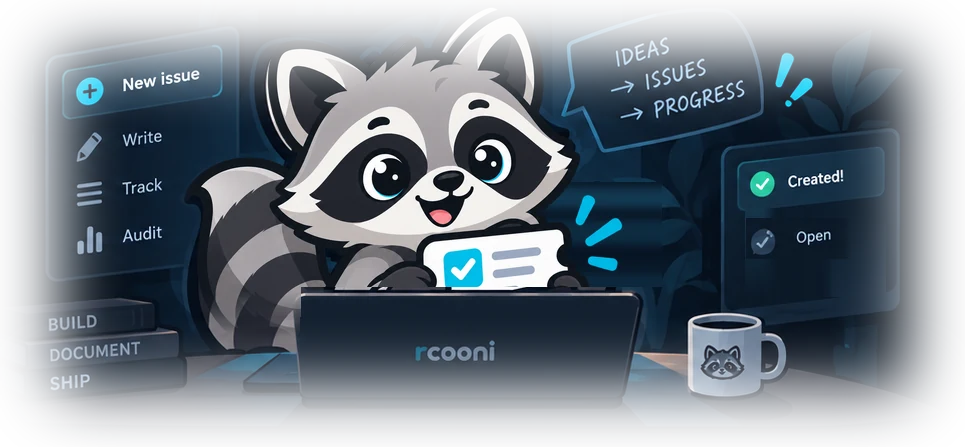
The entire feature set
No accounts, dashboards, or sprawling issue-management API. The whole service fits into one learning exercise.
Just issues. Keep it simple and focused.

Everything lives in a single JSON file. Easy to run, backup, and understand.


Create issues over MCP with a single, well-defined tool.


Simple, readable audit trail of what was created and when.

One tool, one consequence
The MCP server offers exactly one write tool. The caller decides when it is validated and approved to invoke it.
input: {
  title: string,
  body: string, // Markdown
  idempotency_key?: string
}
returns: {
  id: string,
  url: string,  // stable audit URL
  status: "open",
  created_at: string
}
Safe retries only with a key: repeating a request with the same idempotency_key returns the original issue instead of creating another one. Without a key, a retry files a second issue.
| Method | Path | Port |
|---|---|---|
| POST | /mcp | 3121 |
| GET | /issues/:id | 3120 |
| GET | /healthz | 3120 |
Streamable HTTP MCP on 3121. Human-readable audit pages and the health check on 3120.
Supervised by design
rcooni does not approve its own writes. The caller enforces the boundary before invoking create_issue. This is the intended book-workflow sequence, not functionality built into the server.
Caller (harness): steps 01 and 02. Service (rcooni): executes create_issue and serves the audit URL used in step 03.
Local-first
Pull the image, run the service with persistent storage, then register the MCP endpoint in your caller. This site is documentation, not a live hosted issue tracker. The server source is on GitHub (opens in a new tab).
docker pull ghcr.io/martinkr/rcooni:latestdocker run --rm -p 3120:3120 -p 3121:3121 \
-v rcooni-data:/app/data \
-e PUBLIC_BASE_URL=http://localhost:3120 \
ghcr.io/martinkr/rcooni:latest/app/data; without it they are lost when the container stops.PUBLIC_BASE_URL must match the externally reachable origin of the audit view (port 3120) in your environment, because it is used to build the returned issue URLs./healthz.claude mcp add --transport http --scope project \
rcooni http://localhost:3121/mcpProduction caveat: this local teaching service does not model third-party authentication, public side effects, or provider outages. Configure harness validation and human approval separately.